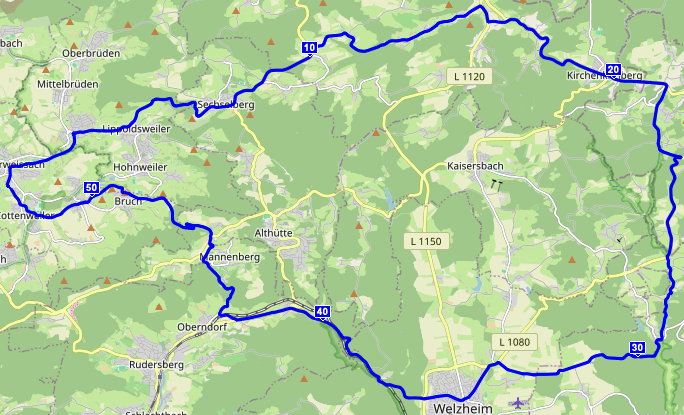
Schon gestern hatte es über 20°C, aber es war noch recht windig. Heute blieben die Windgeschwindigkeiten im einstelligen Bereich, weshalb ich nochmal [fast] die Tour von letzter Woche wiederholt habe.
Schon gestern hatte es über 20°C, aber es war noch recht windig. Heute blieben die Windgeschwindigkeiten im einstelligen Bereich, weshalb ich nochmal [fast] die Tour von letzter Woche wiederholt habe.
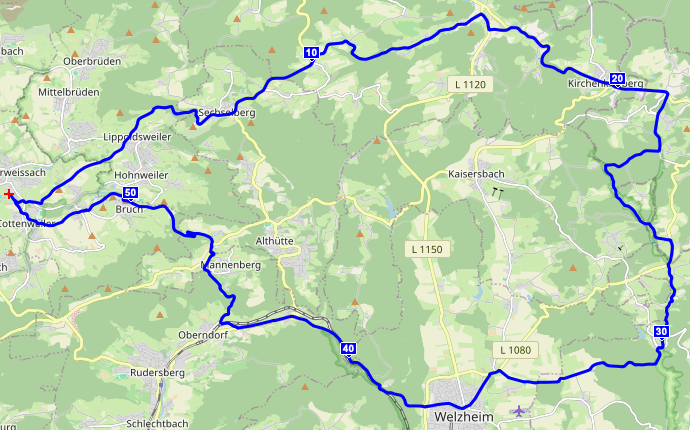
…laden zur ersten Radtour von über 50 km ein.
…sondern auch Demokratie. Was heute in Ungarn passiert ist, ist schlicht unglaublich. Ich bin sprachlos.
The original Phatty lineup, produced between 2006 and 2013, consists of the Little Phatty Tribute (2006) and Stage (2007), Little Phatty Stage II (2008, with USB interface), Limited Edition, and Slim Phatty. Amazona provides a nice (german language) article.
I have no clue whether the circuitry of the Sub Phatty also was borrowed from this product line or is closer to the Sub 37 (which I sold about 5 years ago) and Subsequent 37 lineup (Synthway provides a comparison). Since I assume the latter, this posting probably does not apply to it.
According to the specs, the features of the Phatties are rather limited, so I never paid attention to them. Just recently, a friend of mine mentioned it during the conversation about the Minimoog Voyager. The Phatties are the last synthesizers influenced by Bob Moog (though he died before the release), so I decided to get one 2nd hand.
I’ve played a lot of synthesizers during the last decades, and there were only a few which were outstanding. The Phatty is one of them. Its sound engine can do only a couple of tricks more than the original Minimoog did. But its sound is completely different from what I knew from digital synths, VAs, software plugins, or even several other modern analog synths. Drift, saturation, and its feedback loop play important roles in its sound design, all elements seldom to find elsewhere. In short, I absolutely can recommend that you try this machine. Here’s a couple of pitfalls and information potential buyers should be aware of.
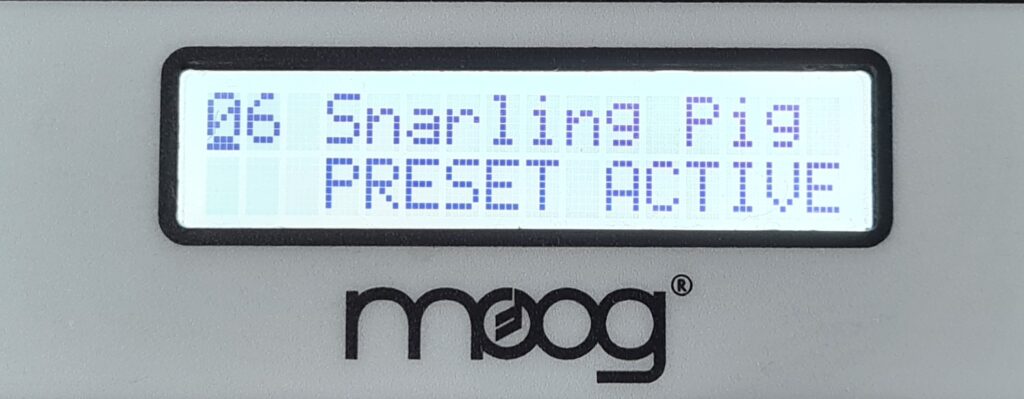
»V3.21: Bugfix update. Note Calibration would not tune all octaves if Local Control was off; also removed Local Control: “noKB” option from the Slim Phatty (which has no keyboard).«F0 04 05 06 03 00 00 00 00 00 00 00 00 00 00 00 F7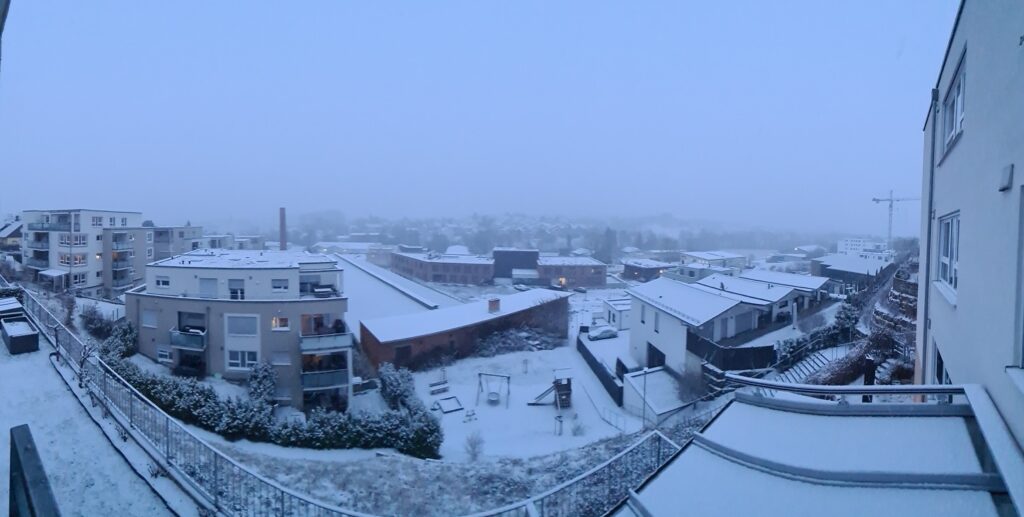
Seit heute Nachmittag schneit es anhaltend. Spontan treffen sich Autofahrer bevorzugt an Kreuzungen und Kreisverkehren, um sich bei Warnblinkanlagen angeregt zu unterhalten. Geschätzte Landsleute, bei solchem Wetter sind nunmal bereits 30 km/h grenzwertig und 50 km/h jenseits von gut und böse. Davon abgesehen ein wirklich nettes Intermezzo.
Edit: Nach einer Woche Tauwetter (zumindest tagsüber) liegen erstaunlicherweise noch immer Schneereste.
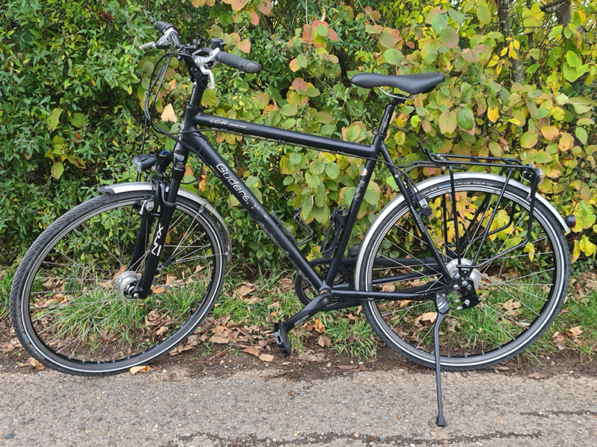
Over 15 years ago, I bought a Gudereit LC-R thanks to the hint of some friend. I learned a lot using it, so selling it also marks the end of an emotional relationship. Unfortunately, usage dropped significantly (read as: near zero) as I moved from Karlsruhe to Unterweissach, a quite hilly region, which triggered me to buy a Möve Voyager (and BTW, Möve unfortunately became insolvent last autumn).
Back to 2010. What did I do with the LC-R?
The bike quickly payed off. Former bikes of the 600 € class usually gave up after about 3 years. The Gudereit was about triple times the price, but did last much longer, avoiding a lot of stress during tours. Two years ago, I needed to replace a couple of parts, which means they did last for about 12 years.
The LC-R served me extremely well. It was purchased by a guy of Monnem who will continue using it as a city bike.

Unzählige Male war ich in Weißenburg, meist zu den Konzerten an der historischen Dubois-Orgel (von denen ich mittlerweile fast 200 besucht habe), aber auch als Tagesausflug mit Freunden oder zum Familientreffen. Der Besuch bei Daniel Rebert ist dabei obligatorisch, meist nur zum Einkauf, vor allem im Sommer kann man aber im Innenhof wunderschön sitzen.
Seine Produkte sind erstklassig und gehören zu den besten in Frankreich. Sie sind handgemacht, haben ihren Preis und sind jeden Çent wert. Speziell die Macarons gelten als schwierig herzustellen. Der SWR war ebenfalls zu Besuch und gewährt gut 20 Minuten lang einen Einblick in deren Herstellung.
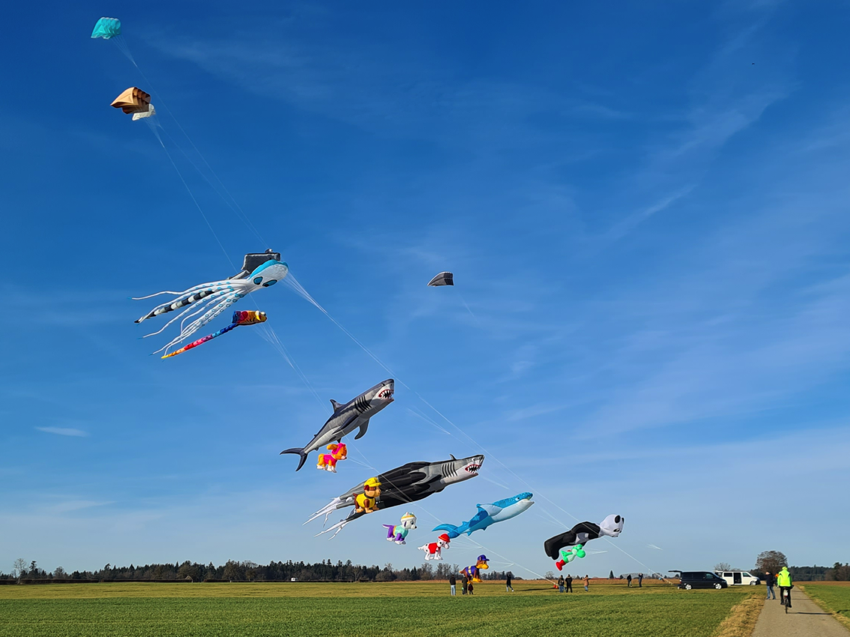
…laden viele zu Aktivitäten an der frischen Luft ein.
I’m still impressed by (but unfortunately not familiar with) polyrhythms. Frederick Viner shares a video with contribution of Cordelia Williams. The analysis starts at 43 seconds.
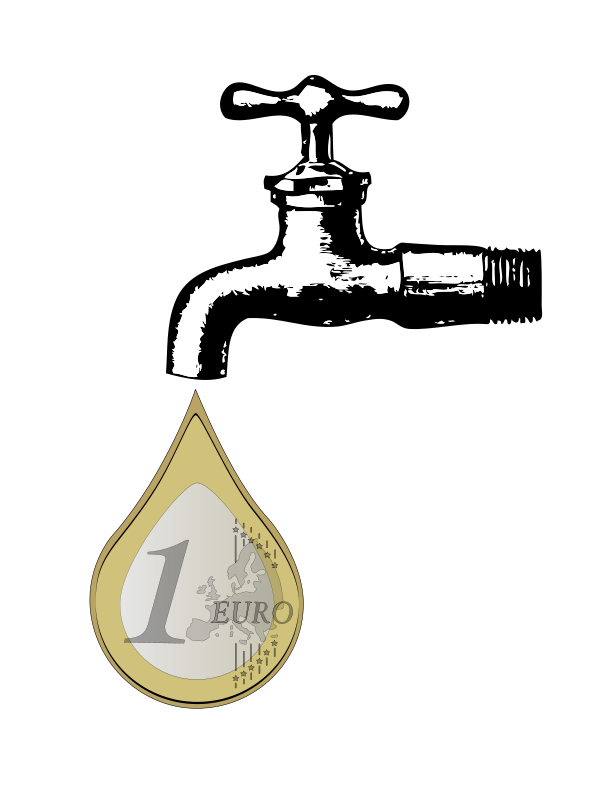
Seit fast einem Jahr fahre ich fast ausschließlich ein Elektrofahrzeug. In Summe funktioniert das Ganze deutlich besser, als ich erwartet hatte. Lademöglichkeiten gibt es meist genug, auch Schnelladesäulen, wenn man unterwegs nachladen muss (die Preise sind allerdings, auch an 22 KW-Säulen, häufig saftig. Kürzlich fielen 84ç an.).
Allerdings kann das Ganze durch die nicht ganz triviale Gemengelage aus Betreibern, Zahlungsarten, Ladesystemen und Fahrzeugelektronik manchmal auch tückisch werden. Mit 25 km Restreichweite suchte ich heute eine Lademöglichkeit. Ergebnisse:
Als Elektrofahrer gewöhnt man sich schnell daran, dass einzelne Ladesäulen aus einem der obigen Gründe hin und wieder nicht funktionieren. So gehäuft wie heute hatte ich das aber bislang nicht.
.jpg)
Wer gewohnt ist, Musik anhand von Lead Sheets zu spielen, sollte wenig Schwierigkeiten haben, zu verstehen, wie die Generalbass-Notation funktioniert. Zumindest nicht mehr nach diesem Video.
Auf dem Bild versteckt sich mutmaßlich Dieterich Buxtehude. Tipp: Er sitzt nicht, wie man vielleicht erwarten würde, an den Tasten.
About 10 years ago, I started to learn playing baroque pipe organ music literature (and contributed to a concert a couple of weeks later). As an autodidact, I started by just playing the pieces by sight-reading. I soon realized that this is neither an effective nor efficient method to master them. As a consequence, over all those years, I incrementally filled my practicing toolbox step by step. And I’m still not done yet.
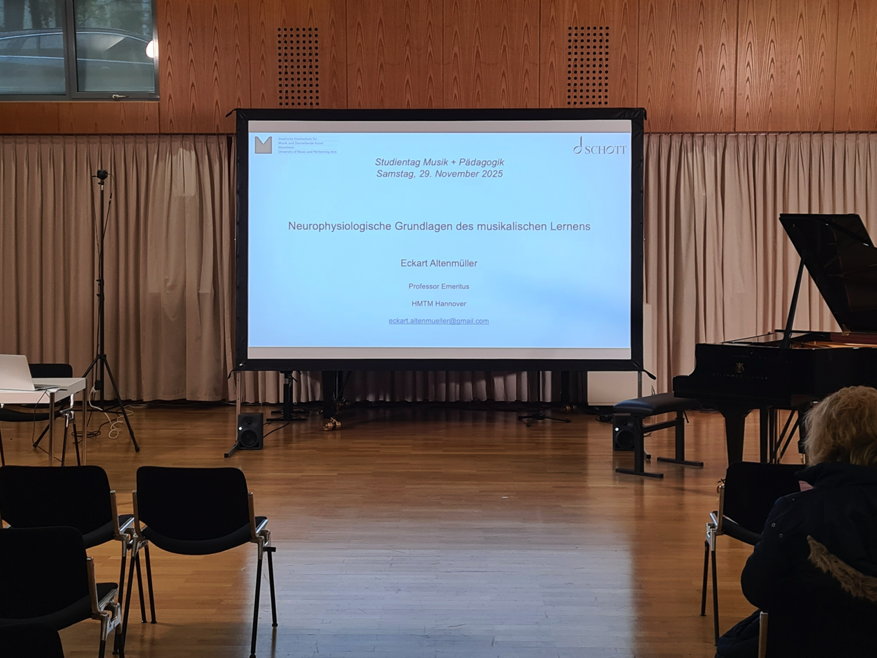
Yesterday, I visited the University of Music and Performing Arts in Mannheim. The overarching topic was »Herausforderung Üben«, covered by the following sessions:
I especially enjoyed the first talk, which was extremely worthwhile. Since the format is established and will continue to take place, I’d like to recommend future issues.
Matt demonstrates his rig, including the Rhodes piano.
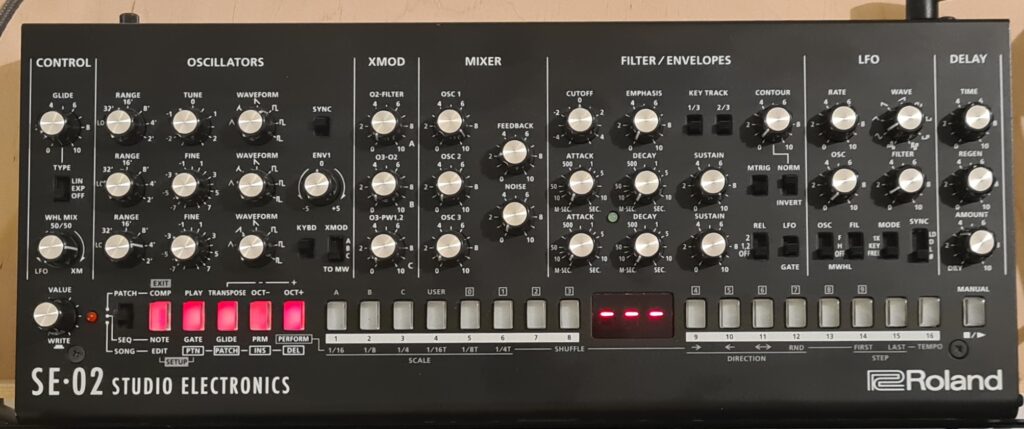
Yesterday the Roland SE-02 suddenly began to behave strange (sounds distorted and did no longer sound as the ones saved). Today, five red buttons and three red dashes are indicating that it finally gave up. It may well be that this is caused by the ON/OFF switch, which already was damaged when I purchased it S/H and which broke only today.
Due to the wee small controls, this synth is a bit difficult to use. Adjusting values often is a bit cumbersome, and moving one of the pots often leads to a neighboured pot being accidentally moved as well. The small display and well hidden features additionally make it less intuitive to program. But sound wise, this synth is one of the best sounding mono synths I ever owned. Despite its size, it can sound big and fat, but also extremely melodic and singing. A lot of its versatility comes from special features, e.g. its XMOD section in conjunction with the SYNC feature. Kebu shared some sequences when it was released back in 2017.
Meanwhile it seems to be discontinued, but fortunately a couple of dealers still have some devices on stock. In case you want some contemporary Minimoog sound, the SE-02 delivers Studio Electronics technology at a bargain.
Update 2025-11-09: I put it as defective on a S/H platform, and it was sold within minutes.

My musical taste was mainly coined by several 70ties musicians such as Joe Zawinul († 2007, Weather Report), Chick Corea († 2021, Return to forever), or Klaus Doldinger († two days ago, Passport). All of them left an incredible heritage, so thanks for all of the music, Klaus.

Letzte Woche war ich wiedermal bei den Silbermann-Tagen in Freiberg. Am Samstag konnten wir mit Jan Katzschke diverse Instrumente in der Umgebung aus der Nähe erleben, unter anderem einen handbetriebenen Zimbelstern.
Am Abend gab es dann ein “Zwillingskonzert” an den Silbermann-Instrumenten in St. Thomas, Strasbourg und im Freiberger Dom, bei dem es jeweils eine Live-Übertragung an den anderen Ort gab. Jan Katzschke spielte außerdem am Sonntag ein Konzert im Silbermann-Museum Frauenstein.
Seit gestern ist auch der XVII. internationale Gottfried-Silbermann-Orgelwettbewerb abgeschlossen. An insgesamt 6 Tagen konnte man den öffentlichen Wertungsrunden beiwohnen und bekam dabei Musikleistungen auf höchstem Niveau geboten.

In order to attach physical MIDI keybeds to divisions in GrandOrgue, just right click (or Ctrl-Click, in case you’re on a Mac) on one of the keybeds in the UI. In the dialog, select »Detect complex MIDI setup«, then press the lowest and highest key on the keybed when being asked to do so.

Recently I had the occasion to get in touch with several historic Iberian instruments, which all challenged us with some short octaves. As a consequence, I wanted to practice with one. First I thought I need to update the Palma organ definition file (ODF) accordingly, but it’s much simpler. From the popup labeled »Event:«, just select »9x Note short octave at low key«. And that’s it. The MIDI events of the lowest octave of your console are rearranged by GrandOrgue, e.g. C through D# are silent, E represents C, F# represents D, G# represents E, and the remaining keys work as usual. Don’t forget to save the settings in case you want to keep them.

The 14th season of vespers on the Dubois organ in Wissembourg is past. Due to other activities, like visiting historic organs in central spain and central Germany, this was the very first season since 2012 in which I was not able to attend (almost) all concerts. Actually, I only attended the first and the last two. Last sunday, Thomas Kientz, who already performed in 2013 and 2018, played an absolutely outstanding closing concert and left an absolutely exited audience. Here’s the programme:

I enjoyed the whole concert, and I have to admit that out of the many phantastic baroque composers of classic French organ masses, Guilain is one of my all time favorites. Thanks Thomas!
As always, I’m extremely grateful to all who contribute to make those outstanding concerts happen.
BTW: Chris Jarrett will perform on 2025-10-05 at 4 PM (note: not 5 PM).
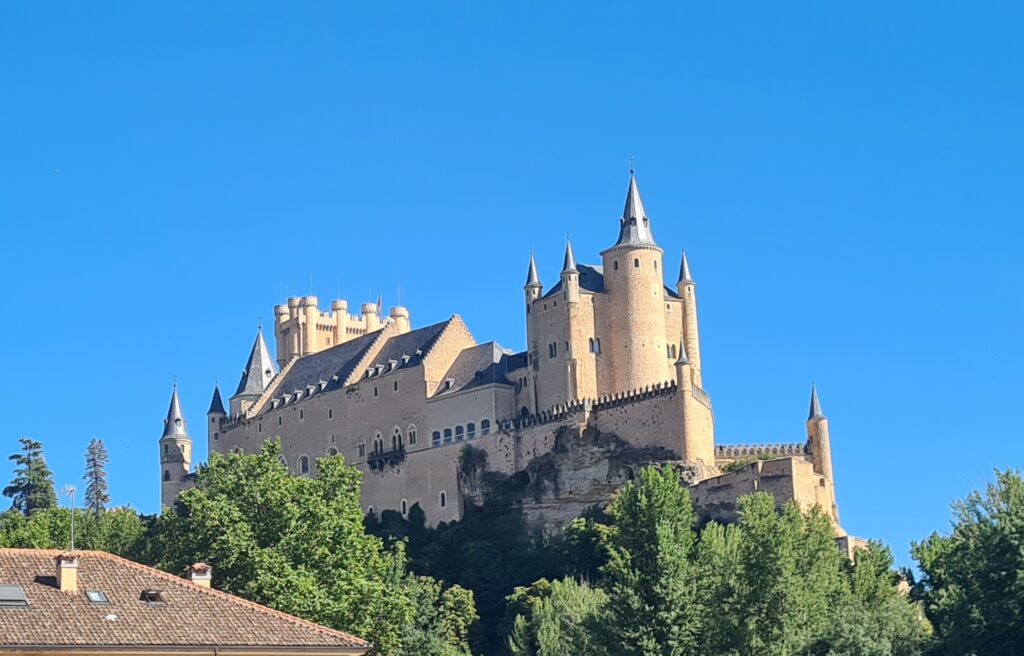
During the MuSeg festival, an organ course with about one dozen of participants took place. We learned a lot from Bine Bryndorf (just one example: historic fingering techniques) and Ángel Montero (for example, how to perform Glosas). Both shared an incredible amount of knowledge, positive energy, plus Angel was quite busy to ensure everything worked smoothly “behind the scenes”.
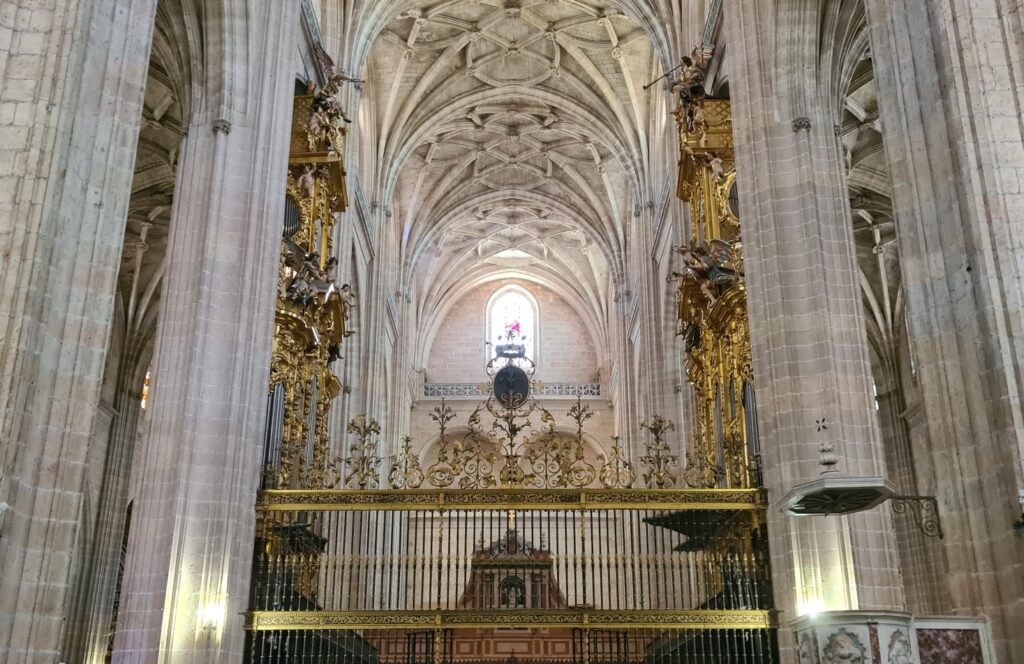
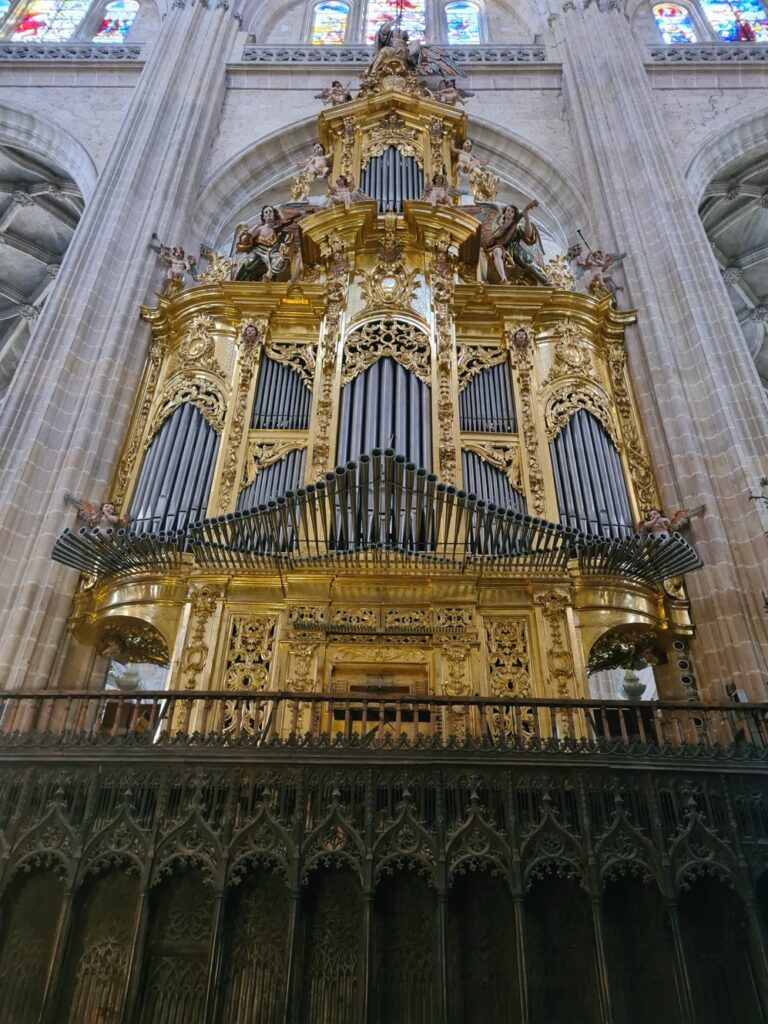
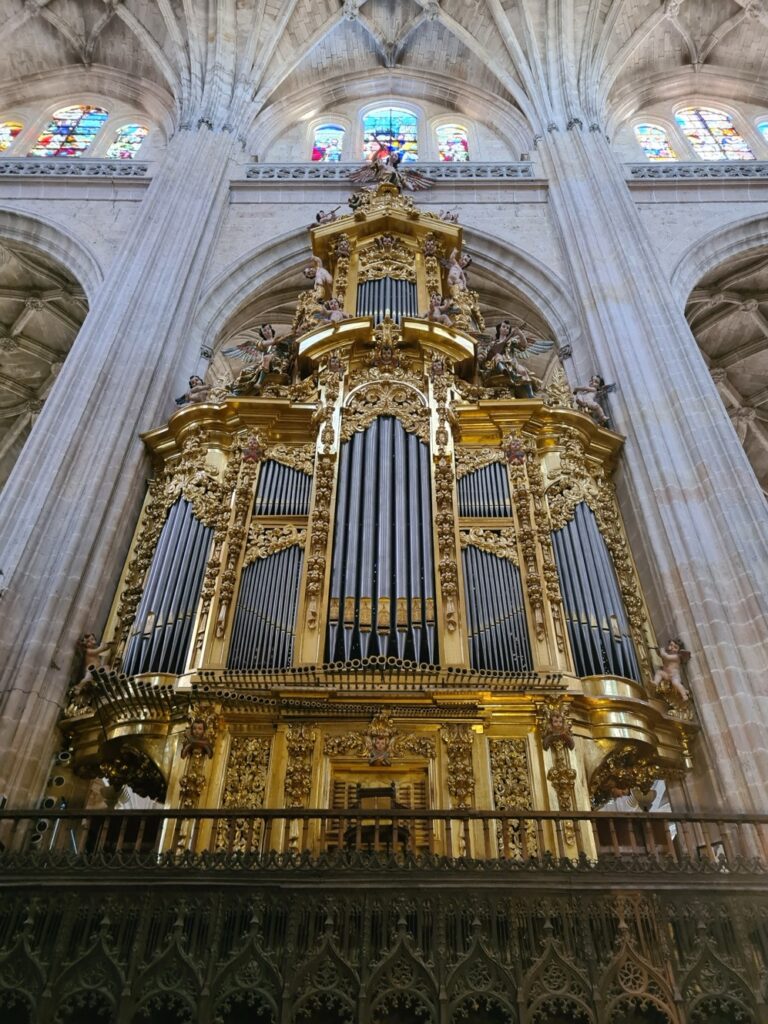
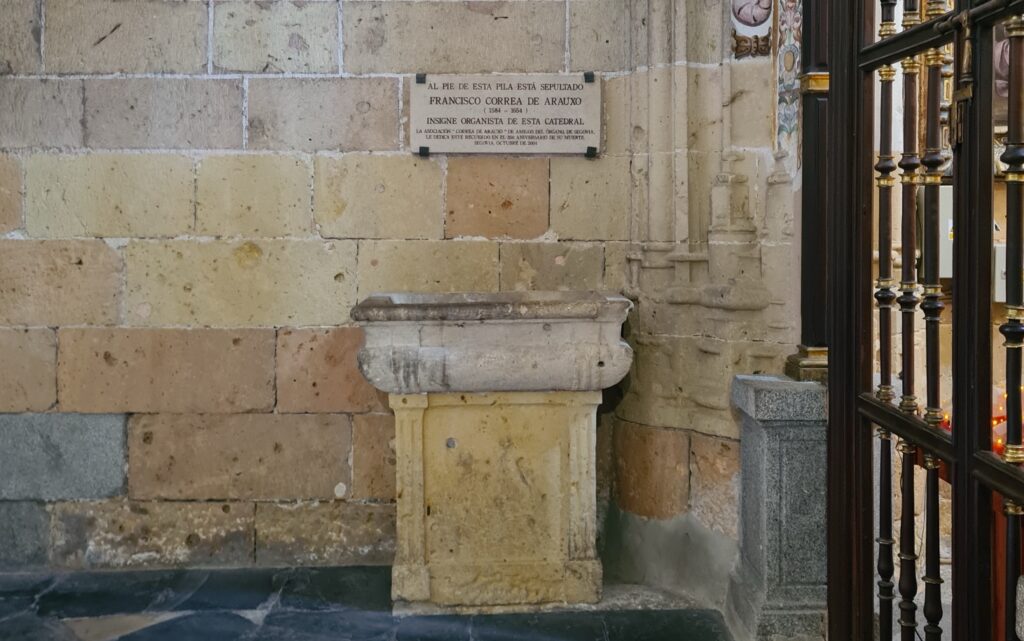
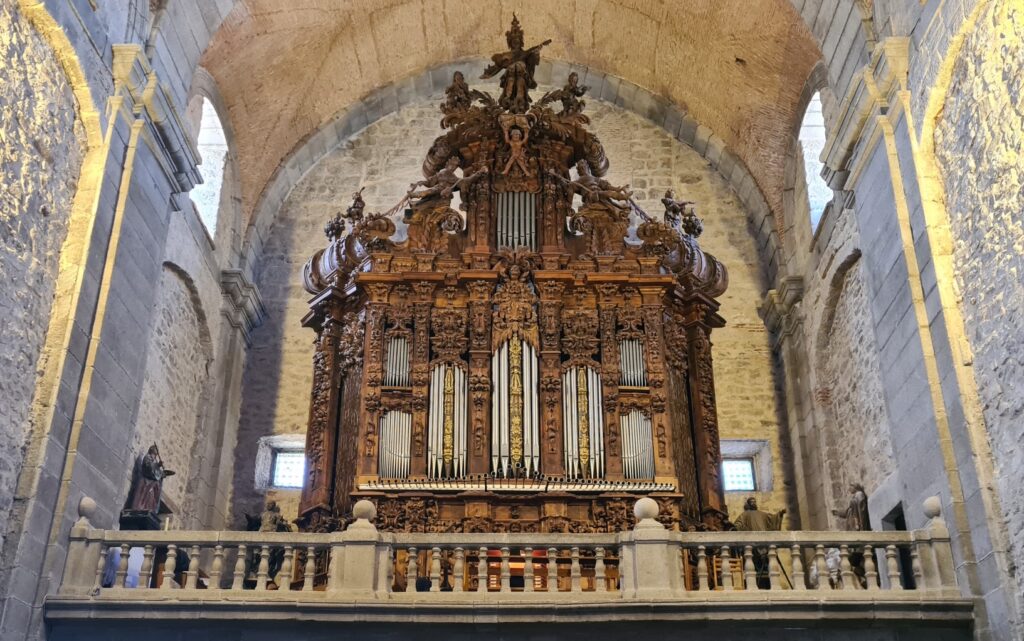
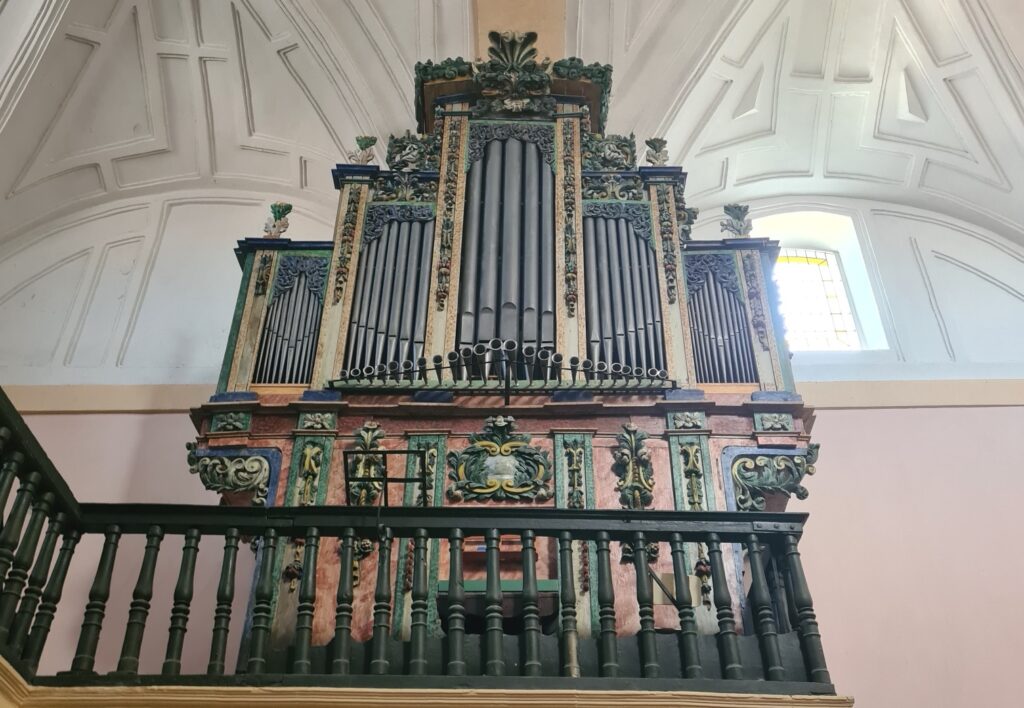
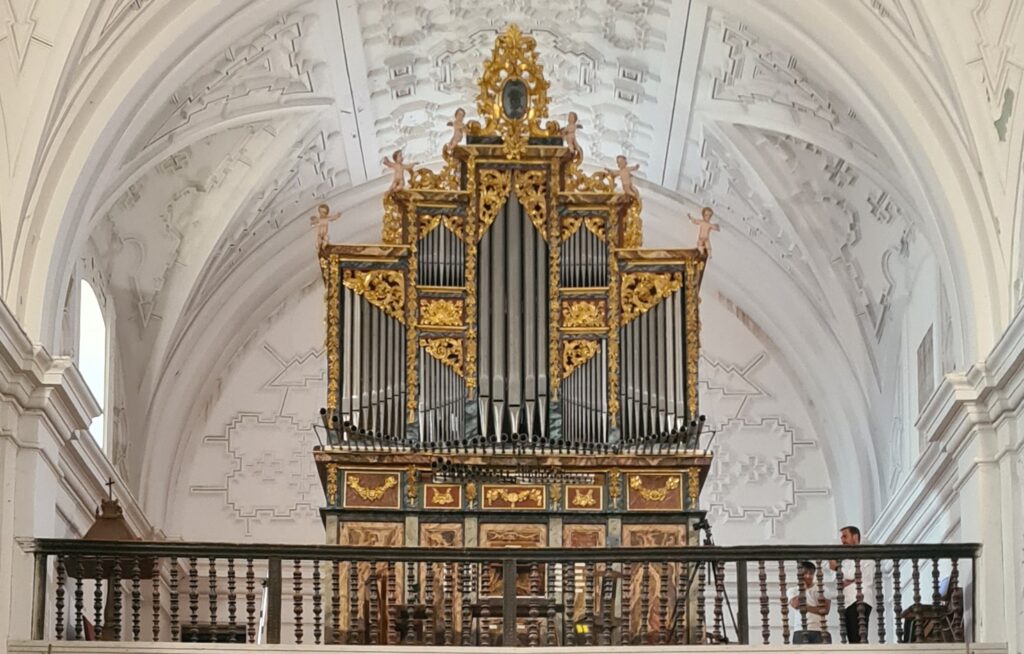
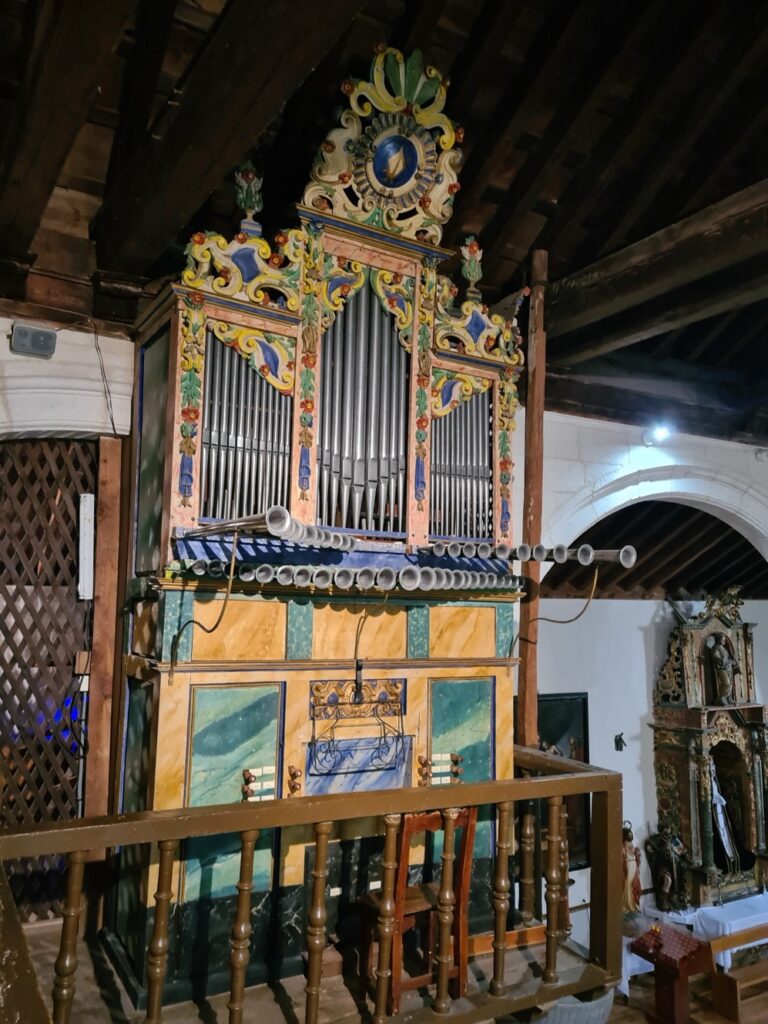
The course took place at several historic instruments: The two main organs of Segovia’s cathedral, a positive organ in one of its chapels, and the organs of the churches in El Espinar, Abades, Sangarcia, and Marugán (BTW: this valuable instrument has been replicated). Four concerts have been performed: an opening concert by Angel in Sangarcia, Bine on Monday at the smaller one of the two cathedral organs (recording), and course participants on Saturday in El Espinar respectively Sunday in Abades.
There were a couple of reasons why I subscribed to this course:
The course was very rewarding, since I learned much more than I longed for. As a consequence, I’m extremely grateful to all of the people who contributed to make it happen. I met a lot of nice, skilled, and highly motivated people. Plus Segovia obviously is an extremely nice holiday destination.
Pictures: